🏖️ BUY 2 GET 3, Celebrate this Summer with more Opportunities 🏄🏖️ COMPRA 2 Y LLÉVATE 3, Celebra este verano con más oportunidades 🏄
Navigation
New to Orion 🚀 Getting Started 📋 Programs & Rules 📈 Trading & Platform 💰 Rewards 💵 Rise V2 🧾 Billing & Orders 👤 Account & Support 🤝 Affiliate Program
← Getting Started
🚀 Getting Started

How do I create an account?

Register at orionfunded.com in under two minutes.

Steps

  • Go to Register
  • Enter your email and choose a secure password
  • Confirm your email address
  • Complete your profile with your name, country, and timezone
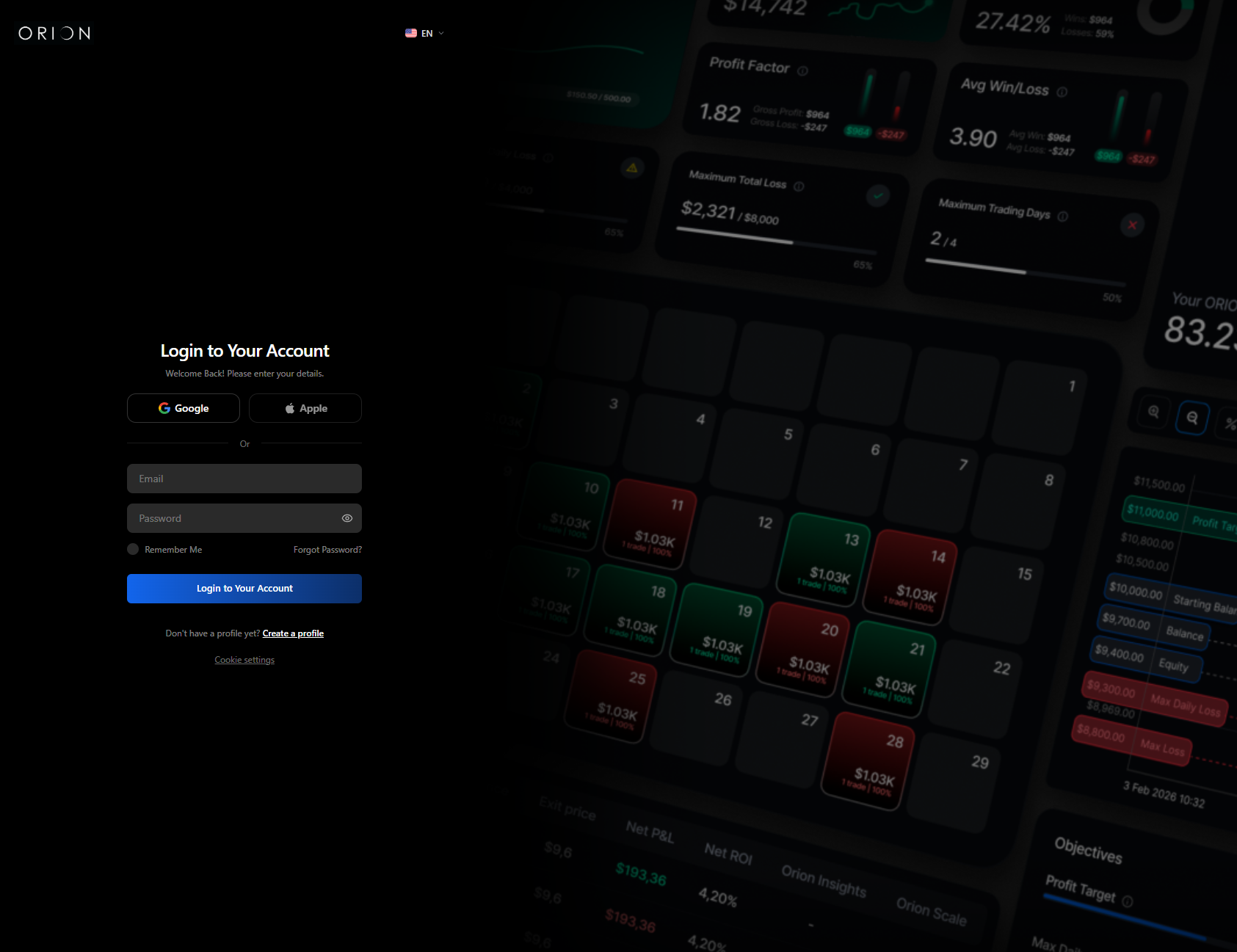
Orion registration page screenshot
One Client Section for everything
You can only have one Client Section. All programs you purchase are managed within it. You cannot create a second account.

After signup

Your Client Section is live immediately. You can compare programs and purchase your first Orion Challenge right away.

Common mistakes

  • Using a disposable email: this blocks KYC and reward requests later
  • Registering from a restricted jurisdiction: Orion does not service certain countries (see the full list at orionfunded.com)

On this page
  • Steps
  • After signup
  • Common mistakes
Was this helpful?
Please note that all accounts we provide to our clients are demo accounts with fictitious funds and any trading is in a simulated environment only. For more information, please feel free to visit our FAQ section.
Tenga en cuenta que todas las cuentas que proporcionamos a nuestros clientes son cuentas demo con fondos ficticios y cualquier operación se realiza únicamente en un entorno simulado. Para más información, no dude en visitar nuestra sección de FAQ.