← Getting Started
🚀 Getting Started
How do I set up MT5 or MatchTrader?
Install your trading platform, connect your Orion account, and configure it before your first trade.
Installing MT5
- Windows: Download MT5 for Windows and run the installer
- iOS: Download MT5 for iOS
- Android: Download MT5 for Android
Installing MatchTrader
- Web: Open MatchTrader Web Platform, no download needed
- Mobile (iOS / Android): search "MatchTrader" in your app store
Connecting your Orion account on MT5
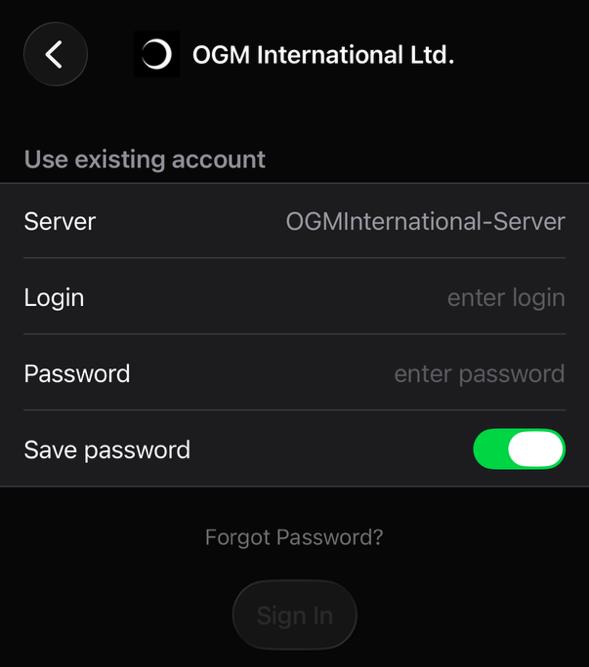
- Open MT5 File Open an Account
- Search for the server name from your credentials email
- Enter your login number and password exactly as provided
- Click Sign In. Your simulated balance appears within seconds
ℹ️
Server not showing in autocomplete?
Type the server name manually. Autocomplete doesn't always list all available servers. If it still doesn't appear, update MT5 to the latest build.
Connecting your Orion account on MatchTrader
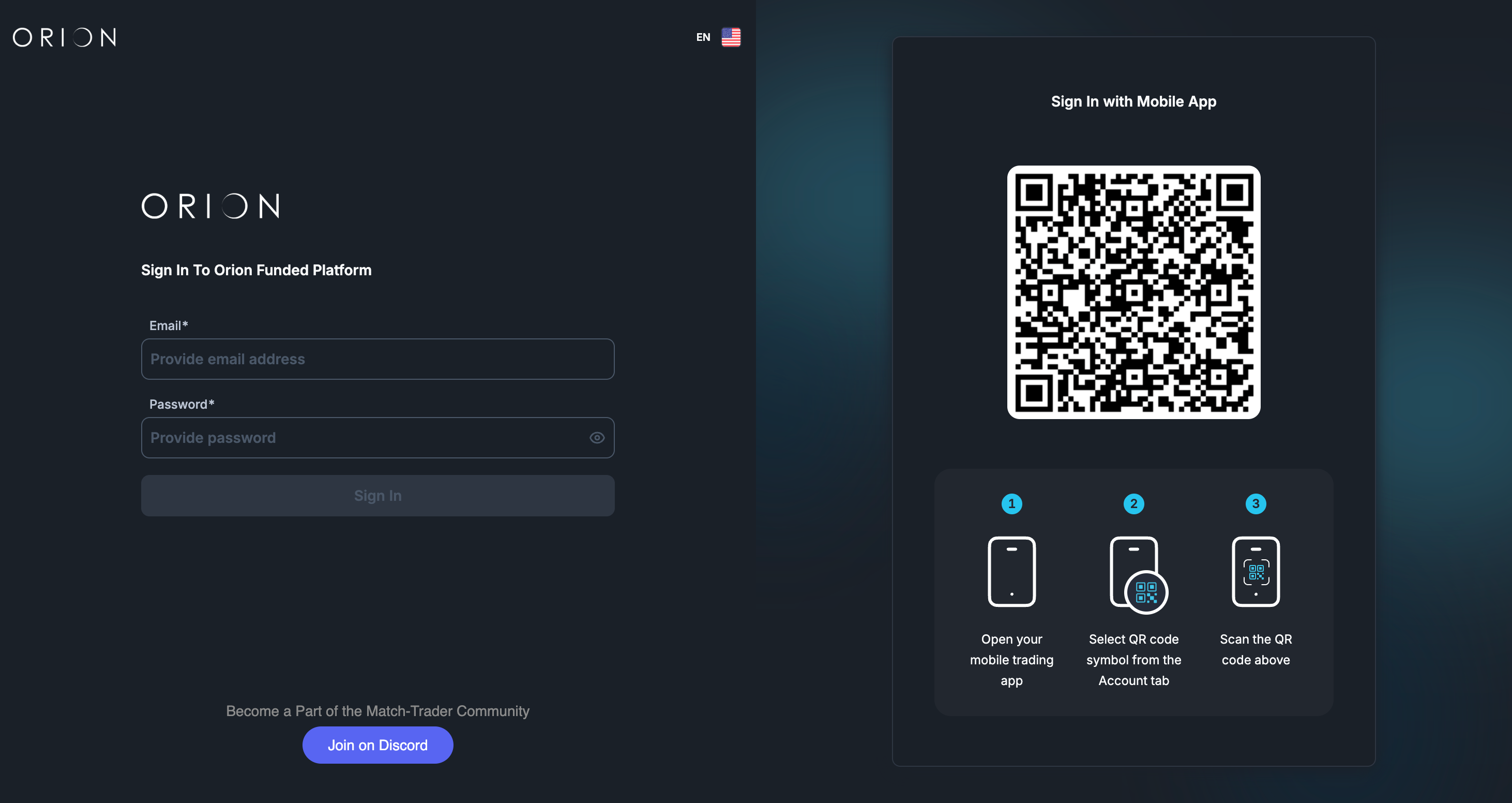
- Open MatchTrader via web, desktop, or mobile
- Enter your login credentials exactly as provided in your email
- Select the correct server from the dropdown. It will be pre-filled if you use the link from your credentials email
- Click Login. Your simulated balance loads immediately
Recommended settings
- MT5: set your timezone in Tools Options to align with your trading session
- MT5: check Account History to confirm trades are recording correctly
- MatchTrader: notifications and layout preferences can be adjusted from the settings panel
Common mistakes
- Wrong server type (Live vs Demo): your simulated balance will show $0
- Password copied with a trailing space: this causes an authentication failure on both platforms
- Your MT5 or MatchTrader credentials and your Client Section login are separate. Resetting one doesn't affect the other
On this page
- Installing MT5
- Installing MatchTrader
- Connecting your Orion account on MT5
- Connecting your Orion account on MatchTrader
- Recommended settings
- Common mistakes
Was this helpful?