What is my Nano ID?
Your Nano ID is a short code that identifies your Rise Pay account. Here's where to find it.
What is a Nano ID?
Your Nano ID is a short code that identifies your Rise Pay account, a bit like an account number. Orion uses it to make sure your rewards reach the right account, and Rise uses the same code across its platform to identify your account for payments and balance operations.
What it looks like
It always starts with the prefix us-, followed by a mix of letters and numbers. For example: us-UKvPzy2qb7Df (yours will be different).
How to find your Nano ID
1. Open your profile. Log in to Rise and go to app.riseworks.io/account/profile. You'll see your profile card with your name, email, and country.
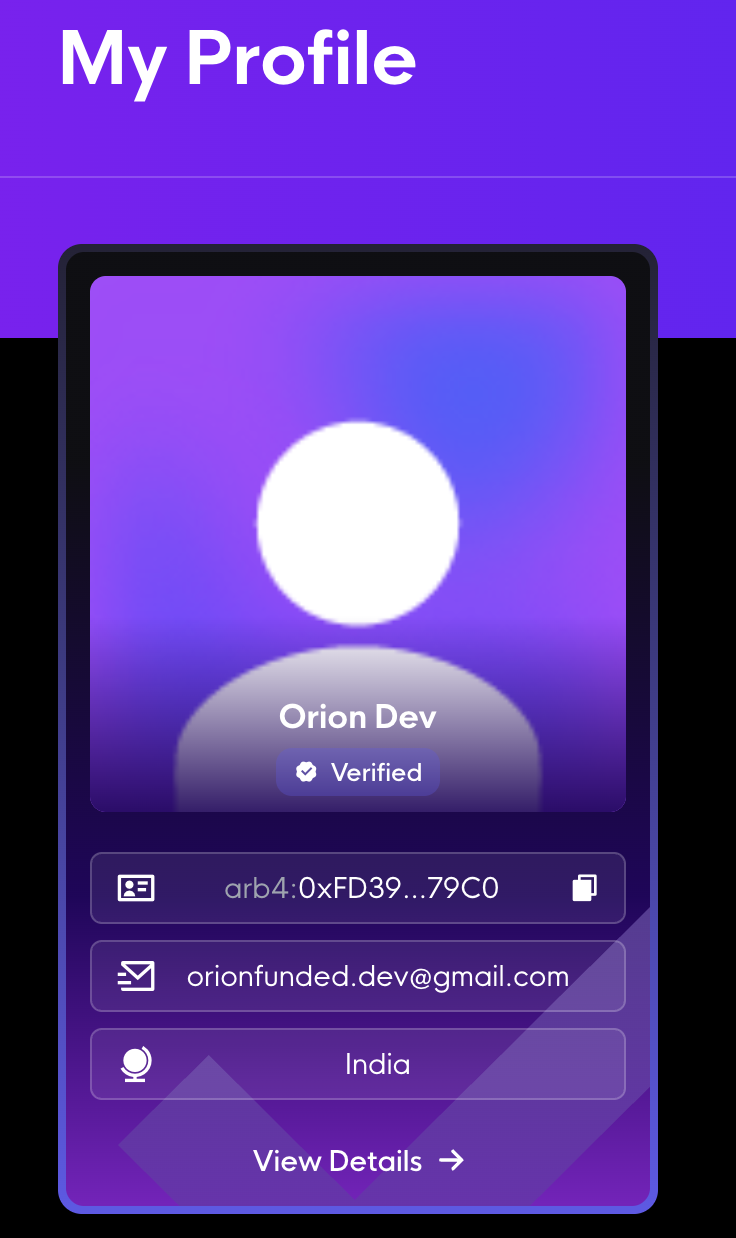
2. Press “View Details”. It's the button at the bottom of your profile card.
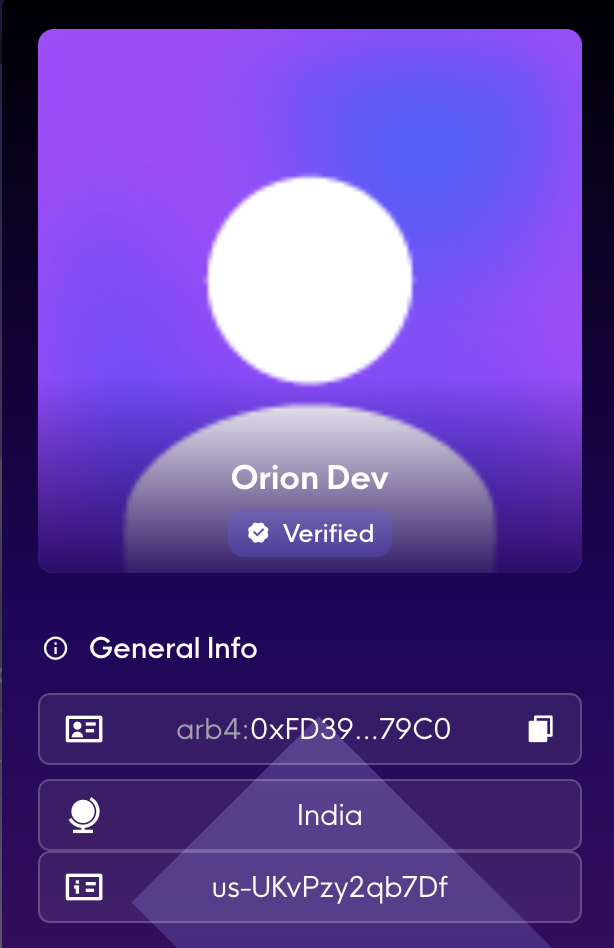
3. Look under “General Info”. Your Nano ID is the short code that starts with us-. In the example below, it's us-UKvPzy2qb7Df.
- What is a Nano ID?
- What it looks like
- How to find your Nano ID