← Rewards
💰 Rewards
How do I request a reward?
Rewards run on a 14-day cycle from your Orion Trader Account.
When you can request
Rewards run on a bi-weekly cycle (every 14 calendar days). There's no initial waiting period before your first request. You can request as soon as you're in simulated profit with no open positions, subject to your program's rules. After each approved reward, the next window opens 14 days later.
Your account remains active between reward windows. Once you submit a request, trading is paused until you receive a response from the Orion team.
How to request
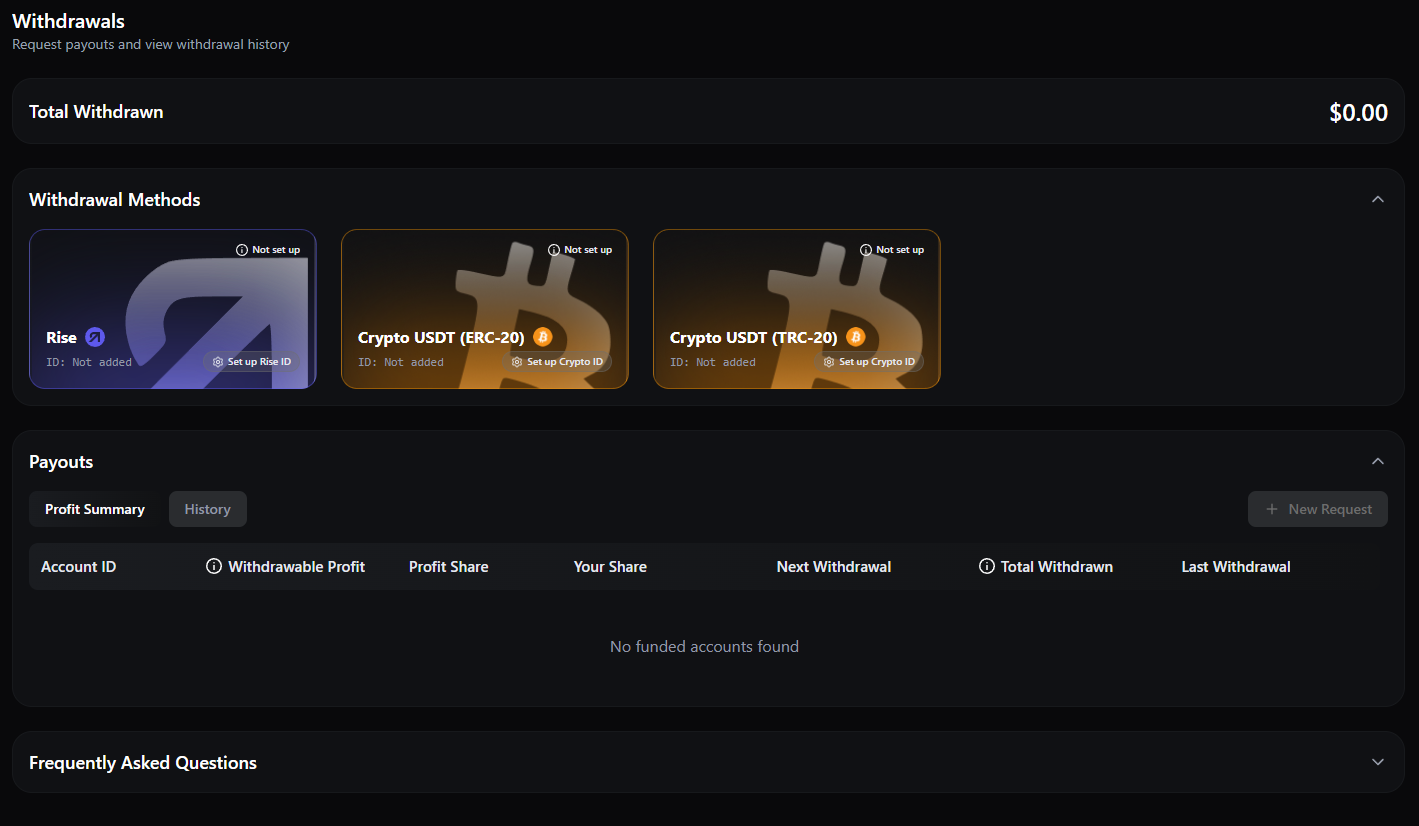
Go to your Client Section, open your Orion Trader Account, and navigate to the Reward Center. Enter the amount, choose your payment method, and submit. All requests are reviewed for compliance before processing.
ℹ️
Orion Zero & Nova: the 3% safety cushion
On Orion Zero and Orion Nova funded accounts, the first 3% of profit isn't eligible for a reward request. It acts as a buffer that helps prevent the daily loss limit from being triggered while a reward is being processed.